
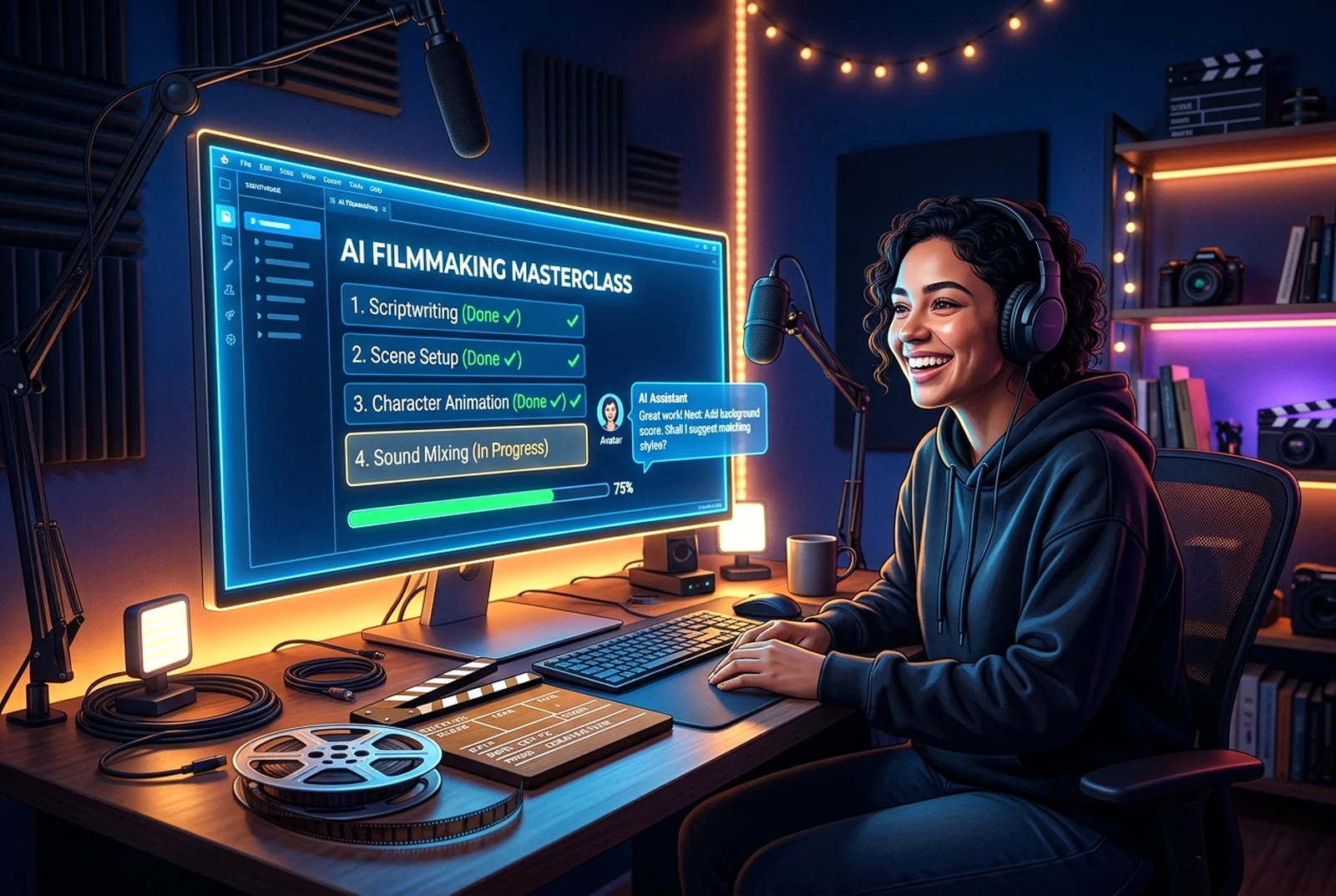
Ask any filmmaking question and receive your own personalised step-by-step tutorial. Learn at your pace, save your guides and continue whenever you like.
CREATE MY TUTORIALHow it works
Ask any question by typing or speaking. The AI writes a numbered tutorial using only the real studios, tabs and tools on this website, with a link to each one.
Learn your way
Pick Beginner, Intermediate, Advanced or Professional. Tick off steps, ask for help on any step, make steps simpler or more detailed, and keep notes.
Keep & resume
Save tutorials to My Saved Tutorials™, continue where you left off, and download PDF guides. Related: AI Film Academy.
Workspace
Sign in to use this toolHow to use it
- Type or speak what you want to learn and pick a difficulty level.
- Press GENERATE TUTORIAL, then follow the steps and tick each one off.
- Press SAVE MY TUTORIAL to keep it in My Saved Tutorials™ and resume later.
Troubleshooting
If the AI can't create a tutorial, nothing is charged — just try again. Voice needs microphone permission; typing always works.
Related features
 Production Management
CINEMATIC AI Opening Titles & End Credits Studio™
Create spectacular opening titles, production-company introductions and professional closing credits, with up to 3 minutes for each sequence.
 Production Management
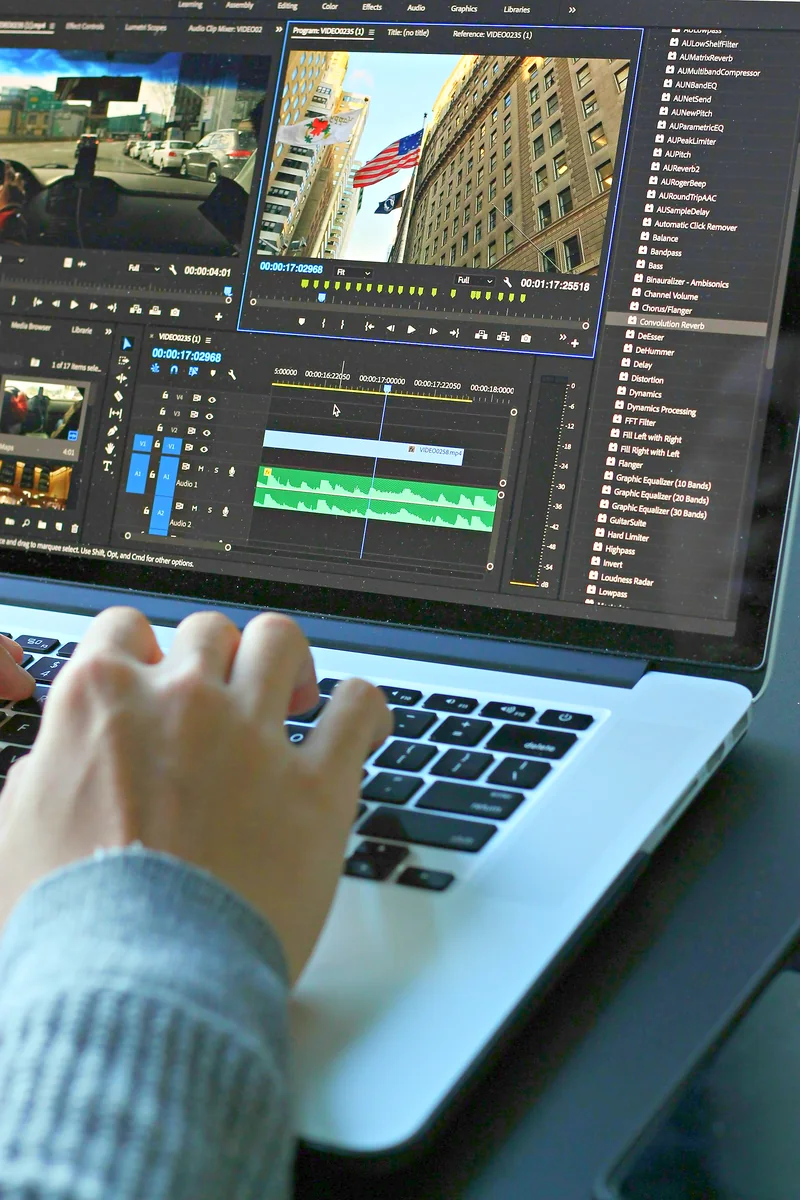
AI Creative Project Health Monitor™
Detects missing assets, incomplete scenes and continuity problems in your project.
 Production Management
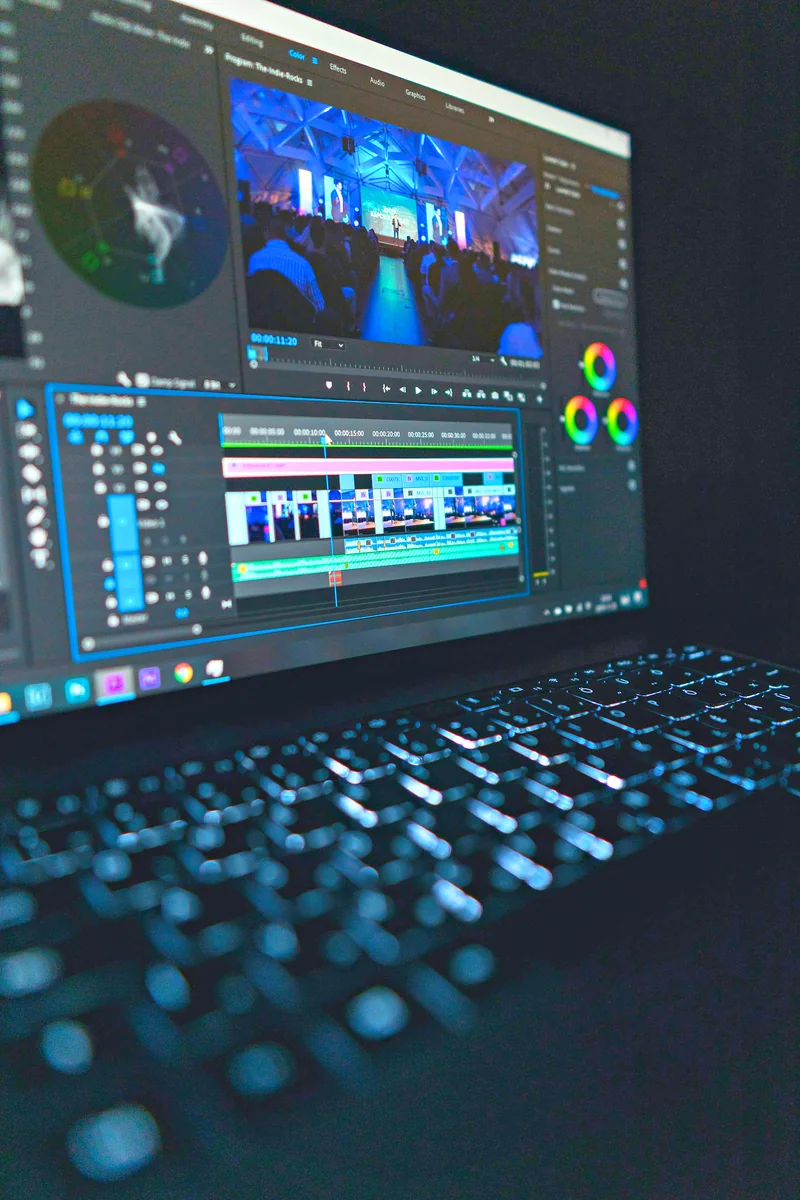
AI Production Time Estimator™
Estimates rendering time, processing resources and Production Credit requirements for your project.
 Production Management
CINEMATIC Production Credit Planner™
Helps you budget credits across scenes, audio planning, previews and final exports.