
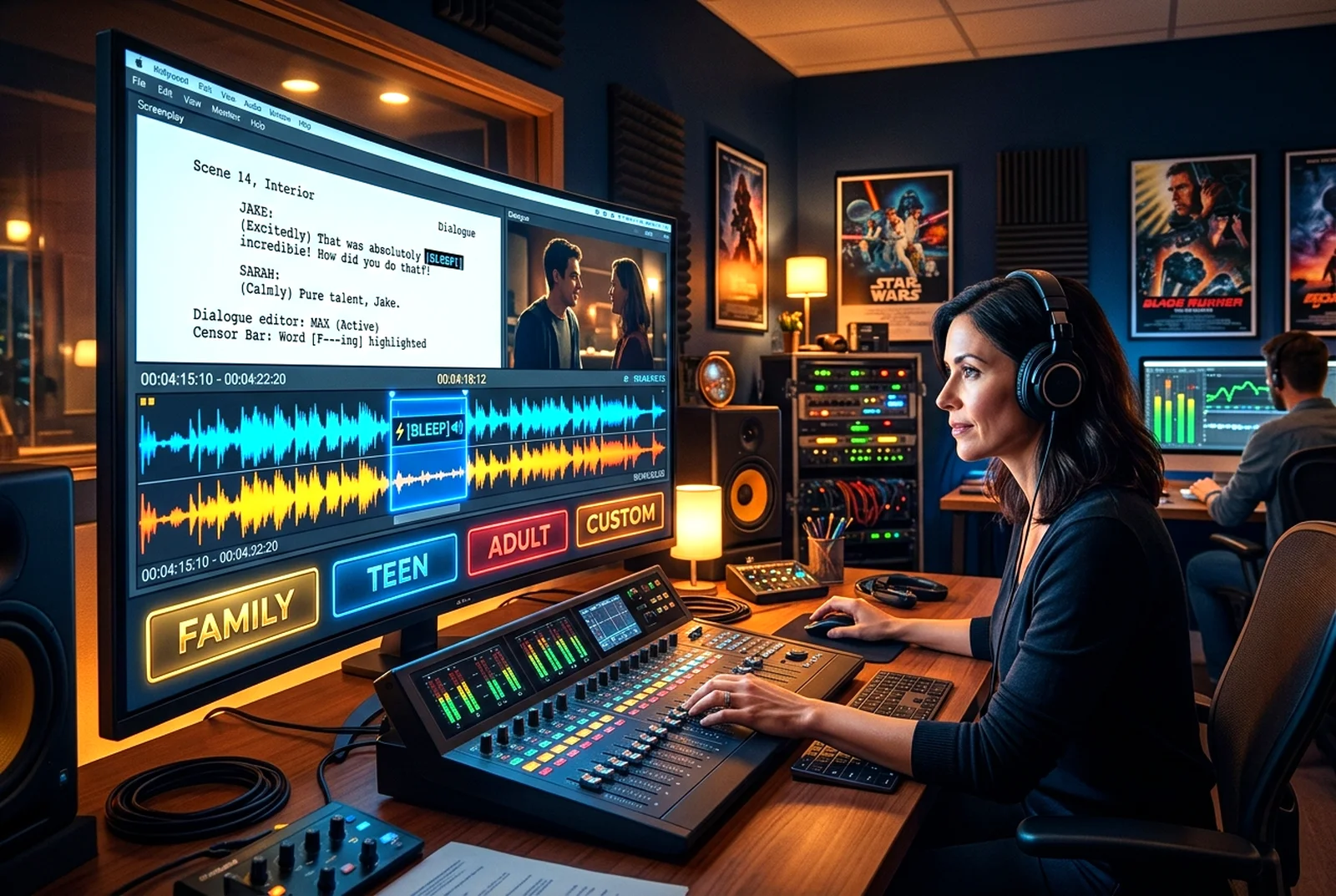
Choose family-friendly, teen, adult or custom language settings. Detect strong language and optionally replace, mute or bleep dialogue.
SET UP LANGUAGE CONTROLSFour modes
Family-Friendly — Restricts strong, moderate and mild language and offers alternatives.
Teen Audience — Restricts strong language; warns about moderate words.
Adult Production — Allows strong language — nothing is censored automatically; optional warnings only.
Custom — Your own restricted words, levels and replacements.
How detection works
Whole-word matching (so “Scunthorpe” or “classic” are never flagged), your own word lists, and automatic speech transcription with timestamps. You approve every change: flag, suggest a replacement, bleep, mute, edit subtitles or keep the original.
Workspace
Sign in to use this toolHow to use it
- Choose a production and a language mode, then save.
- Scan the script and/or the spoken dialogue of a rendered video.
- Approve replacements, bleeps or mutes; restore the original at any time.
Troubleshooting
Word timings come from transcription — preview each word before applying. Script edits save a snapshot first, so you can undo them.
Related features
 Quality & Delivery
CINEMATIC MOVIE DOWNLOAD & SHARING™
Download your completed movies, documentaries, anime, animations and music videos in high-quality video formats, ready for you to upload and share wherever you choose.
 Quality & Delivery
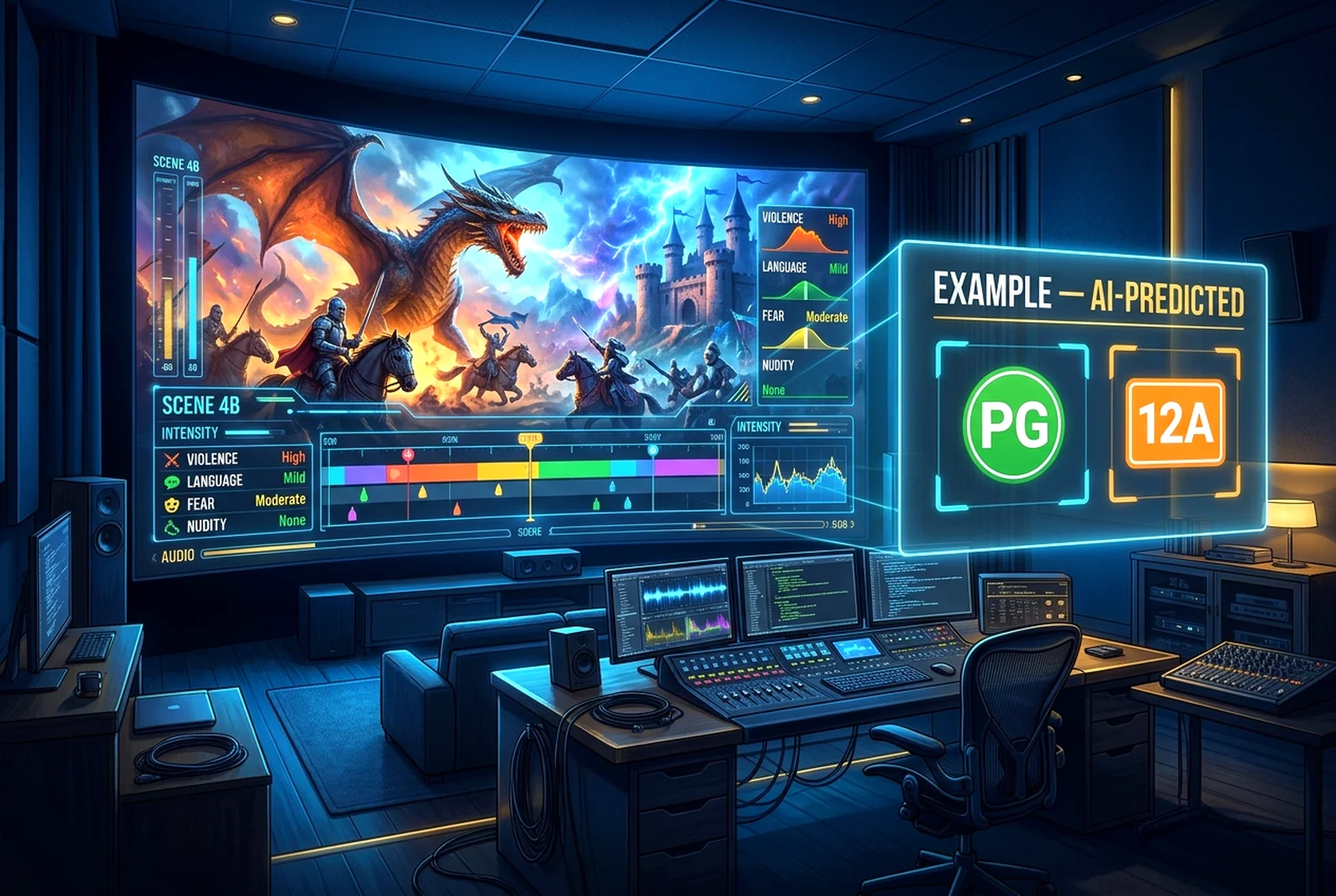
AI FILM CLASSIFICATION & AGE RATING SENSOR™
Analyse your movies, television episodes, documentaries and animations with intelligent age-rating guidance, content advisories and optional opening classification screens.
 Quality & Delivery
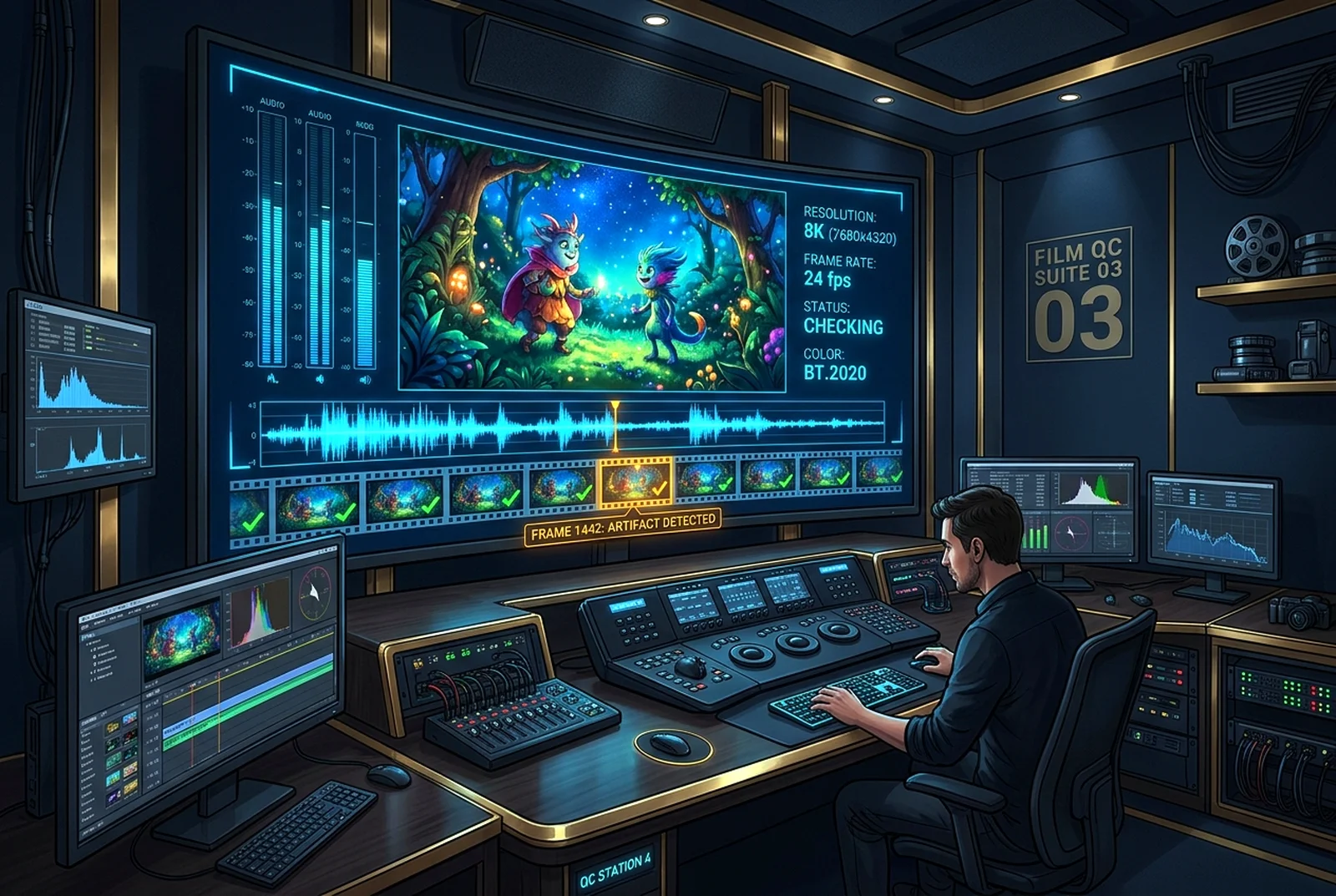
CINEMATIC AI FINAL FILM INSPECTOR & RELEASE APPROVAL™
Inspect your completed movies, television episodes, documentaries and animations for visual, audio, continuity, subtitle and export problems before release.
 Quality & Delivery
AI Script-to-Screen Accuracy Inspector™
Compares your script with your timeline and flags missing or changed beats.